
Product Updates
DocBoss Case Study (Thermon)
DocBoss is happy to announce a new customer case study, where we profile an active subscriber who took the time…
Dark mode is a display setting that changes a digital interface from the traditional light background with dark text to a dark background with light text, designed primarily to reduce eye strain in low-light conditions and save battery life of your device.
Many people prefer a dark mode – people with light sensitivity, night owls, software developers – along with those who spend a great deal of time in front of a computer screen.
The easiest way to utilize dark mode with DocBoss is to adjust the contrast setting on your device.
Applying a contrast theme will adjust the colouring of anything that appears on your screen.
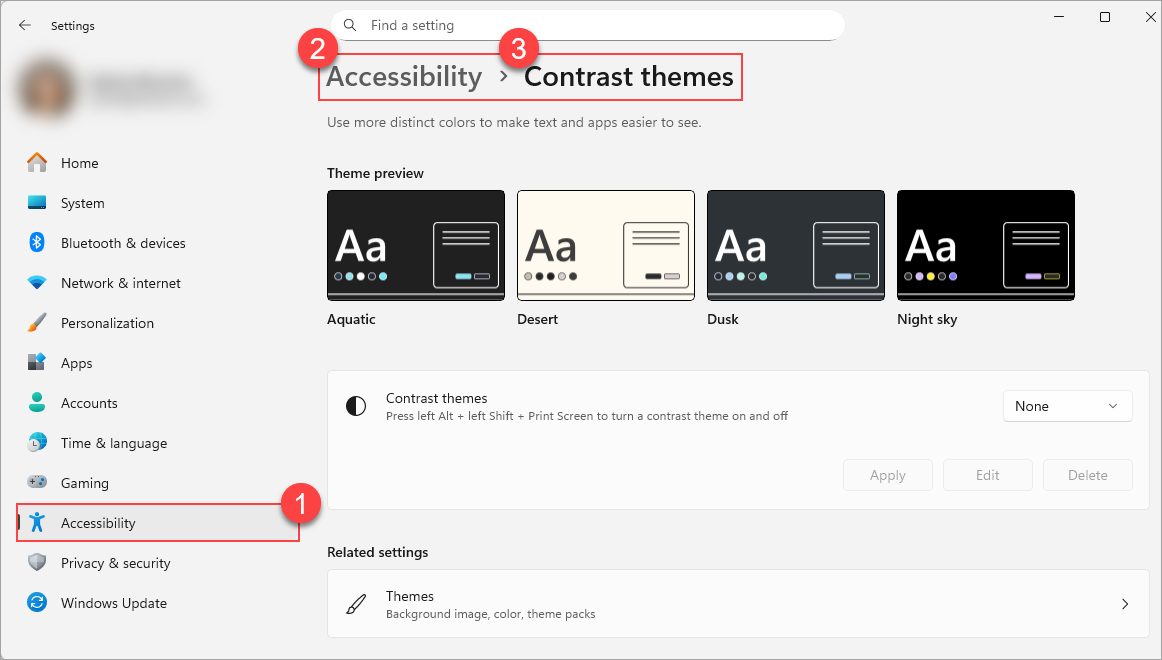
On Windows, a contrast theme can be applied from Settings > Accessibility > Contrast themes.
What about using a third party application?
While we cannot speak to the safety or quality of these products, there are browser applications available that will adjust the colouring of web pages.
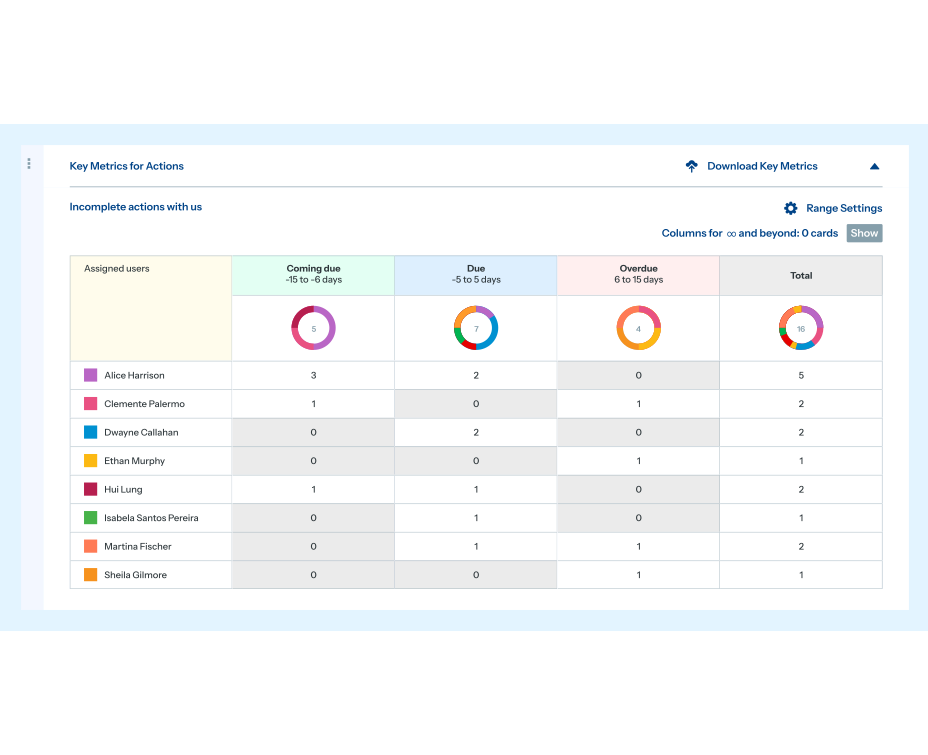
DocBoss is the only true document control system for
suppliers. Book a quick demo to see how we help process
equipment suppliers make more profit with less pain.
DocBoss is happy to announce a new customer case study, where we profile an active subscriber who took the time…

The DocBoss Support website provides subscribers with free resources to better utilize it. We include articles, videos, FAQs, product release…

Did you know you can assign a specific number to a document and ensure it doesn’t get applied automatically to…