
Blog
Can Your Document Controllers Handle The Workload?
The global Oil & Gas EPC Market is projected to grow significantly, from USD 53.10 billion in 2023 to USD…

Do you spend significant time setting up new EPC projects and manually defining naming conventions, folder structure, and user permissions among other tasks?
Rather than spending time on every project doing these mundane tasks, a template can you save time and effort especially when project setup repeats in the future.
DocBoss project configuration templates enable you to pre-define and reuse settings for projects, making project setup quick and easy.
Here’s how.
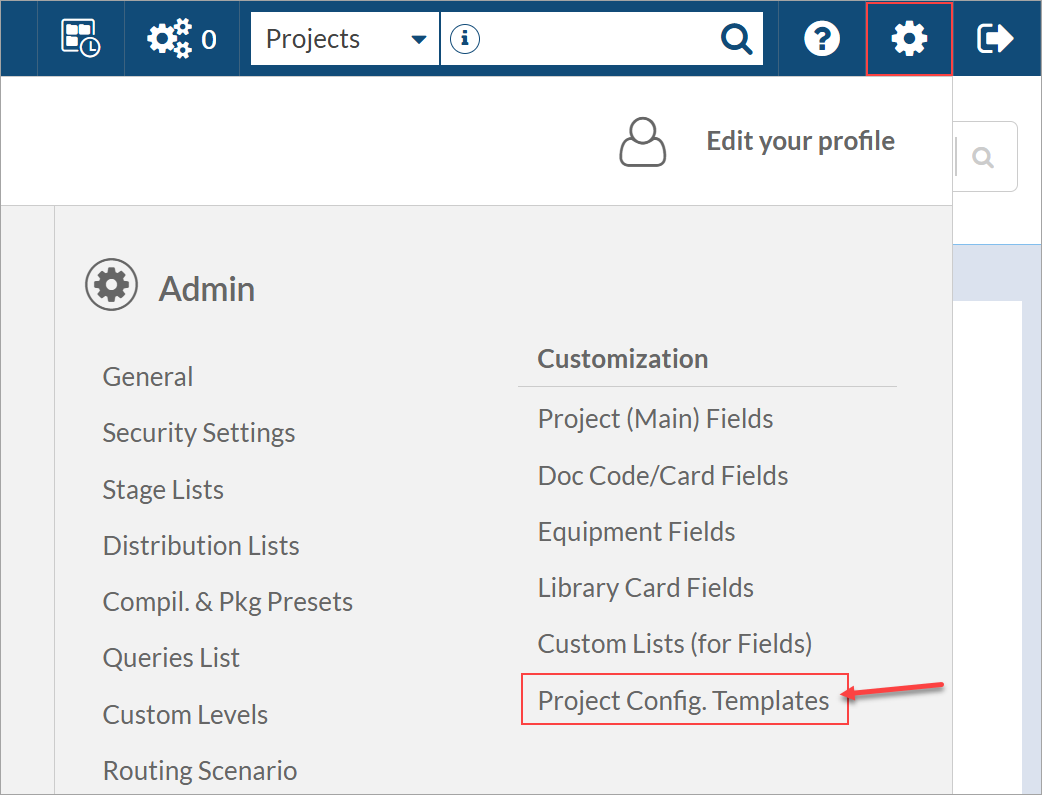
To create a new project configuration template, navigate to System Menu > Admin > Project Config. Templates.
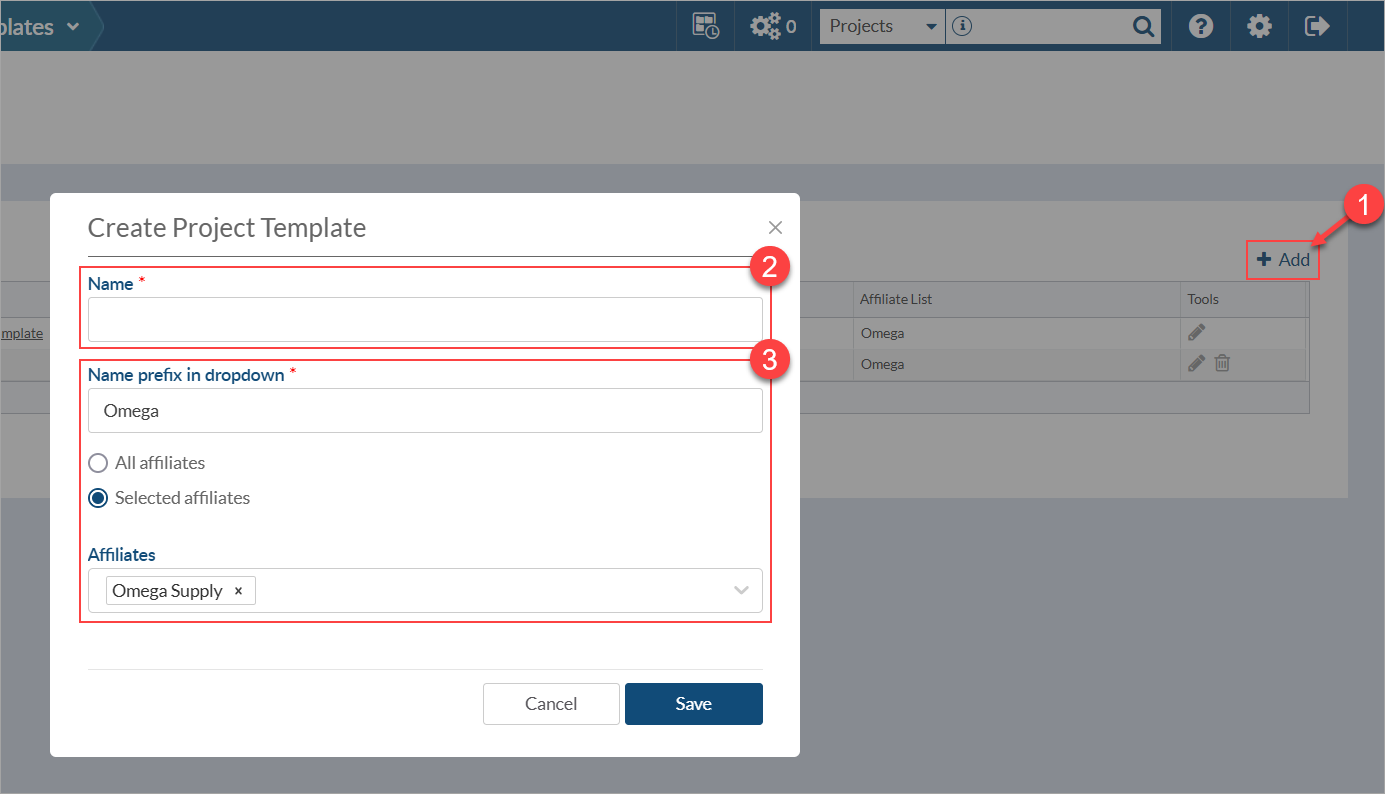
Once on the page, click the “+ Add” button above the grid (top right), and give the new template a name.
Make sure to name the template something that is easy to identify so that it is distinguishable from other templates when creating a new project.
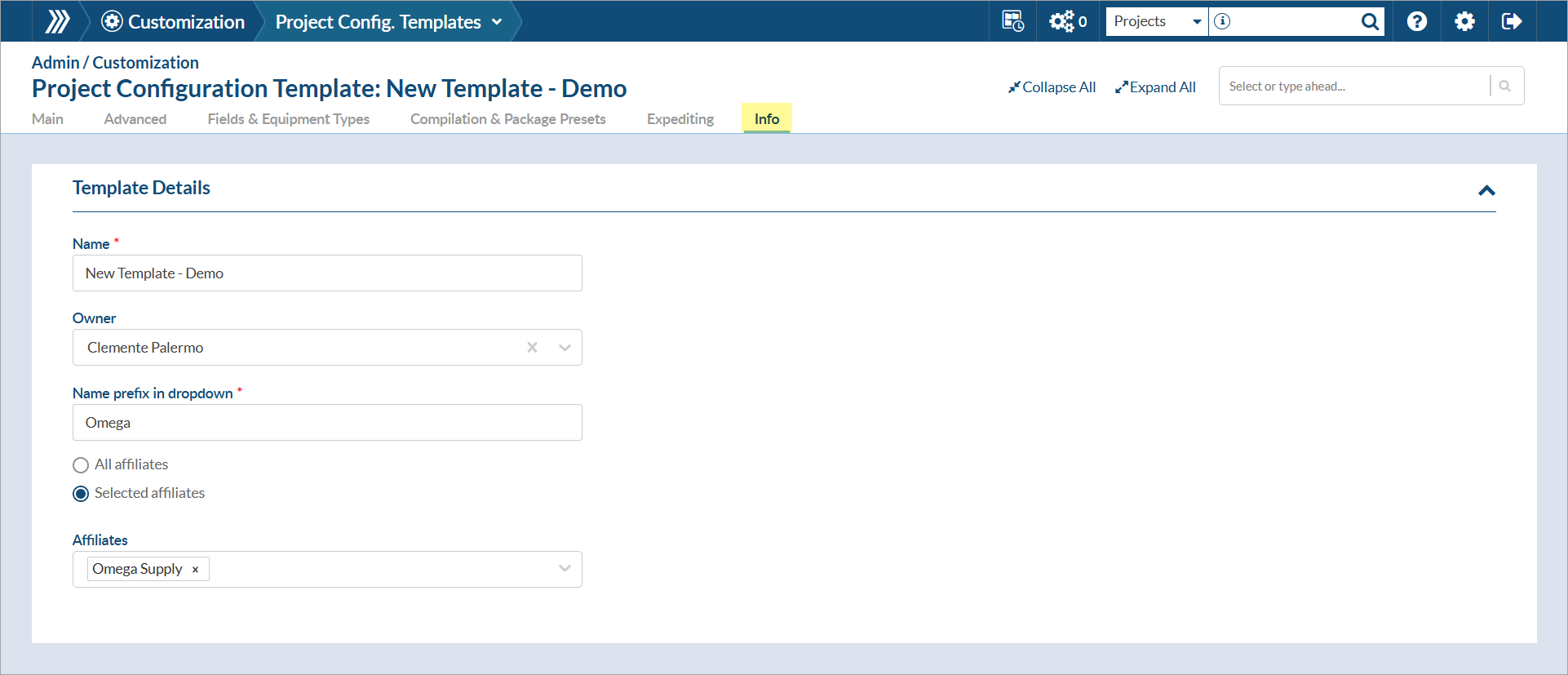
If using affiliates, also select which affiliates this template will be available for. The prefix will be automatically set to the short name of the initially selected affiliate, but can be modified if desired.
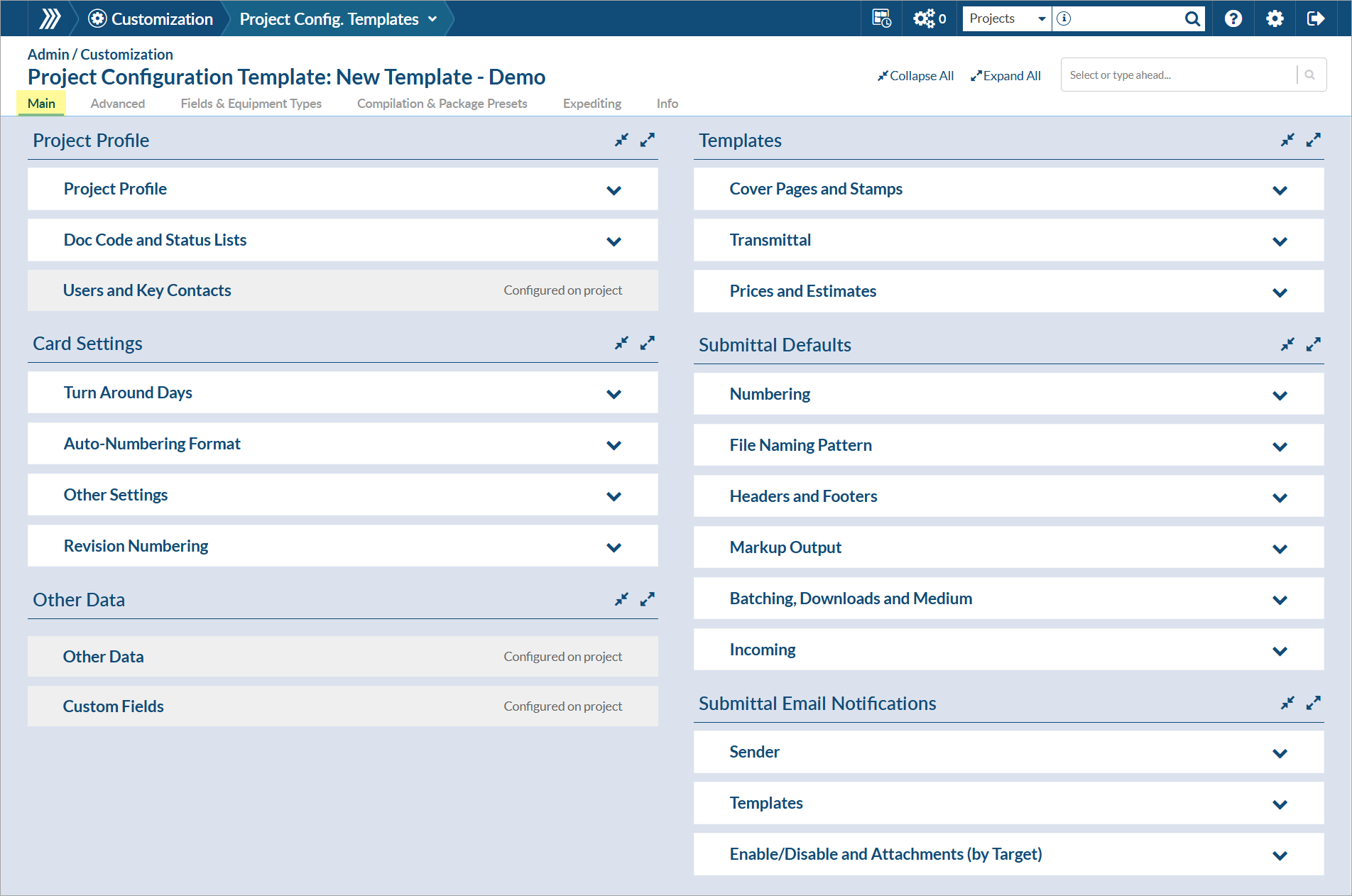
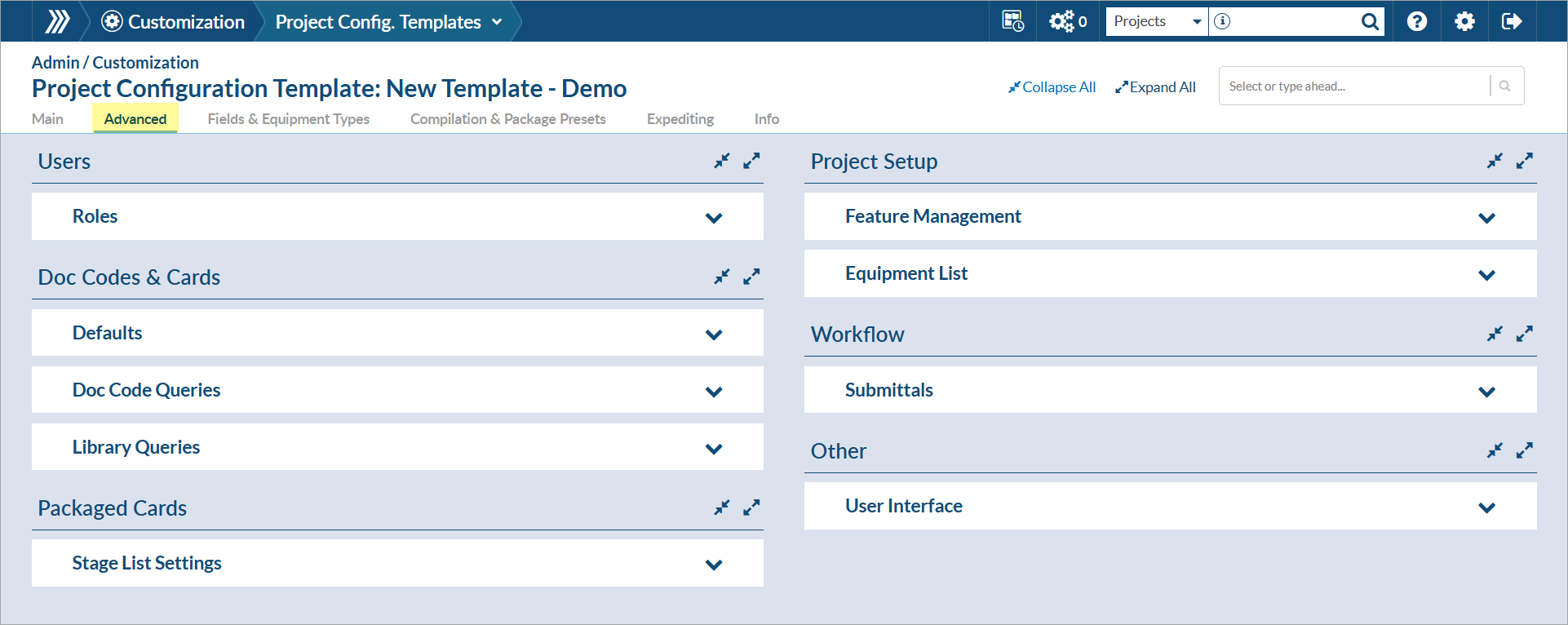
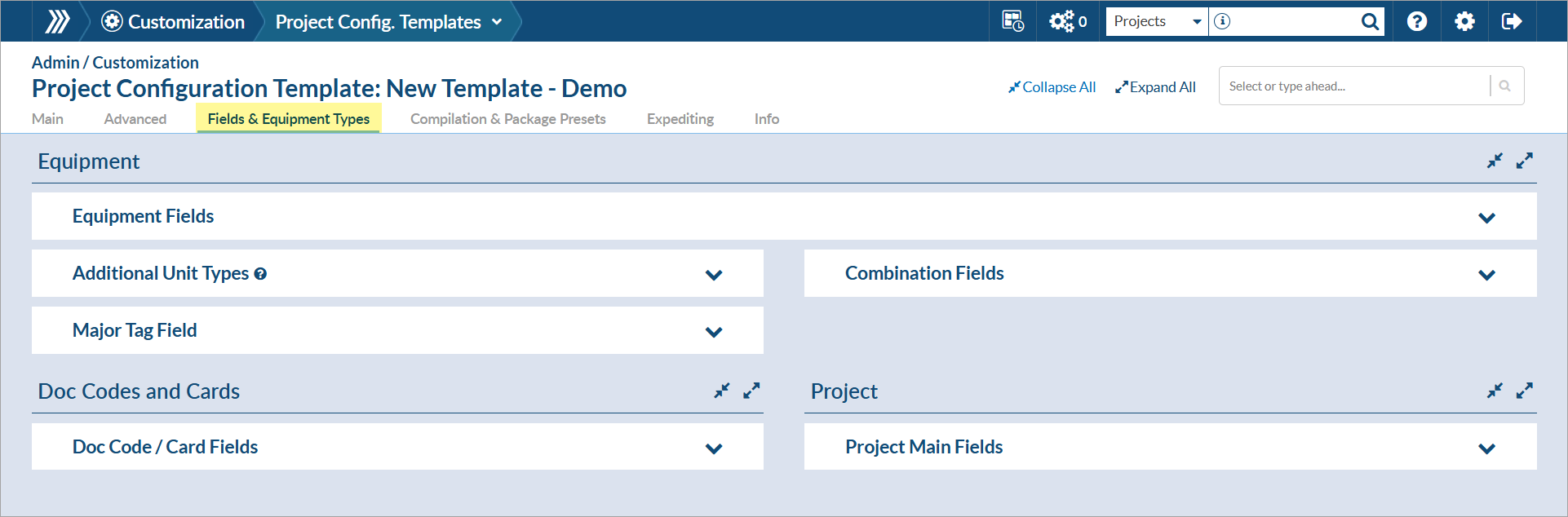
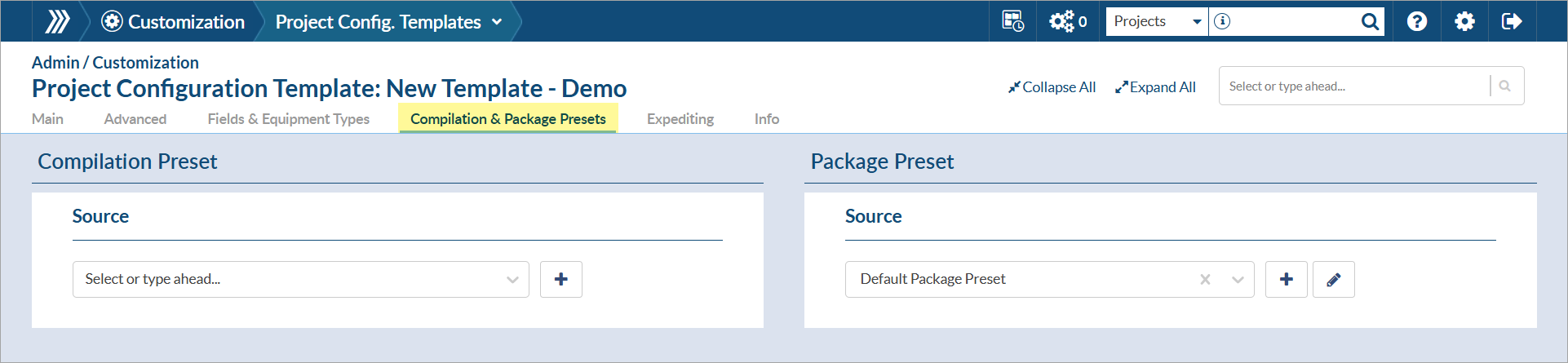
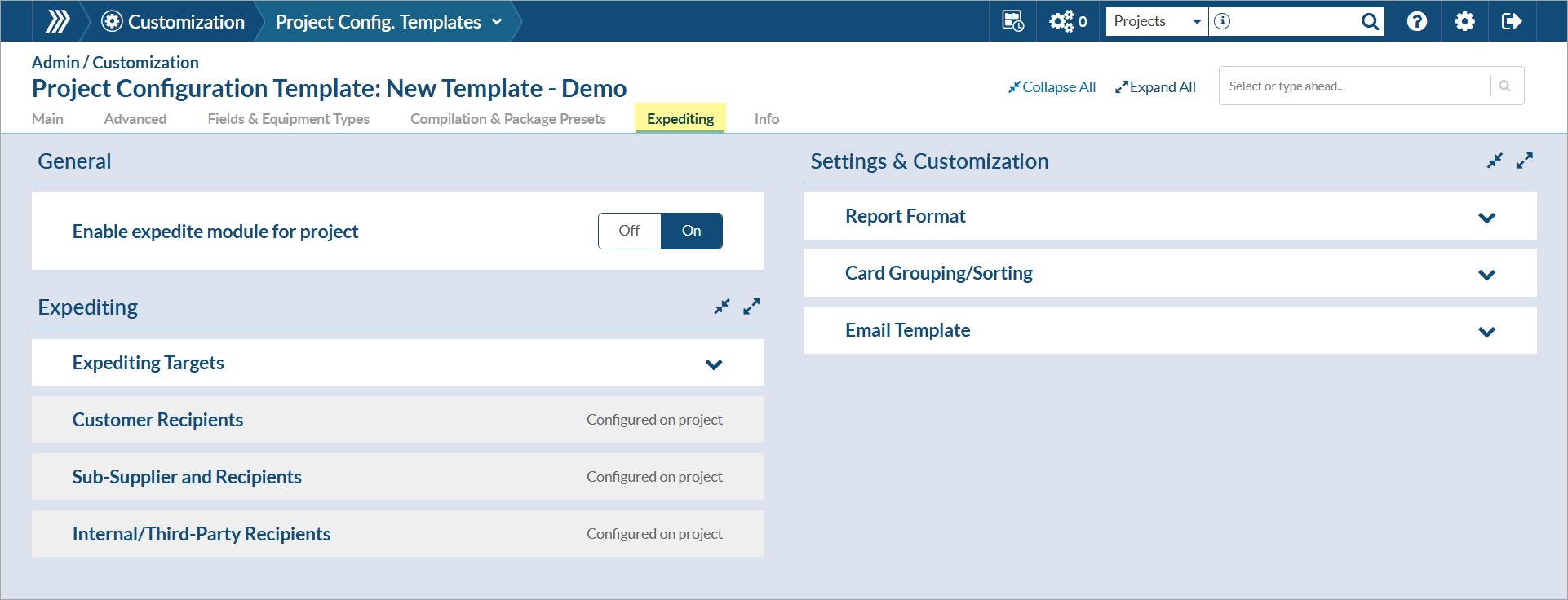
Once created, you will be redirected to the project configuration page. Navigate to each category “tab” to view and adjust settings as needed.

DocBoss is the only true document control system for
suppliers. Book a quick demo to see how we help process
equipment suppliers make more profit with less pain.
The global Oil & Gas EPC Market is projected to grow significantly, from USD 53.10 billion in 2023 to USD…

DocBoss is pleased to announce the release of a new customer case study for our customer Spartan Controls. The recognized…

Document controllers are typically forced to manually apply different, highly specific routing paths and reviewer groups for every document submission…