Events
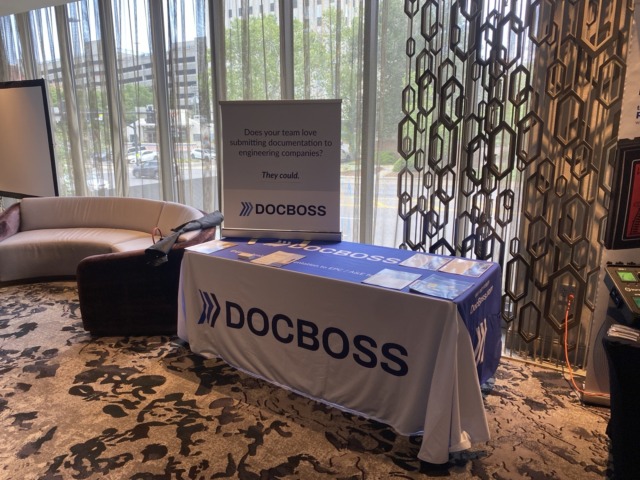
DocBoss Exhibits At VMA and MCAA Industry Events
DocBoss recently exhibited at both the 2026 VMA Valve Forum in Houston and the MCAA Industry Forum in Nashville. We…

Adding notes and comments directly to document metadata or system profiles ensures that the critical context behind revisions, rejections, and approvals is never lost across scattered emails. DocBoss enables notes and comments to provide this context for all project members.
Notes that have been documented in the “Project Notes” field on the Project Configuration page (Project Menu > Set Up > Project Configuration > Other Data) can be accessed on pages related to submittals, both incoming and outgoing.

If enabled on the page, the project notes can be quickly reviewed by hovering over the notepad icon beside the page header.

To view the notes in a larger format, click on the notepad icon. From the pop-up, the notes can be copied to your clipboard by clicking the copy icon.

DocBoss is the only true document control system for
suppliers. Book a quick demo to see how we help process
equipment suppliers make more profit with less pain.
DocBoss recently exhibited at both the 2026 VMA Valve Forum in Houston and the MCAA Industry Forum in Nashville. We…
Here is our May 2026 Release Notification with brand new functionality that is now available to all DocBoss subscribers. This…

Process equipment suppliers often spend significant time on specific aspects of EPC documentation including headers and footers. For a supplier…